How to collect a client's text messages remotely
Ask the client to make a Finder backup on their own Mac and send you the backup or screenshots of the specific threads, or have them connect the phone to your Mac over a video call and read from the backup there. If the client has no Mac, they can use any Mac at a library or a friend's, or you can schedule a short in-office visit, since TextExhibit needs a Mac and nothing is installed on the phone.
Options, from least to most hands-on
- Client screenshots: quick, but they lack exact timestamps and phone numbers. Good for a first look only.
- Client-made backup: the client runs Finder, General, Back Up Now, and sends the backup folder through a secure transfer. Large, often several gigabytes.
- Remote desktop: the client shares a Mac screen while you guide them through the export. You never hold the phone.
- In office: see collecting texts in the office.
A remote session, step by step
- Agree who will hold the phone and Mac and when. Expect 30 to 60 minutes.
- Have the client plug the iPhone into the Mac, unlock it and tap Trust.
- In Finder the client chooses General, Back Up Now. If they want passwords included they choose Encrypt local backup and tell you the password separately.
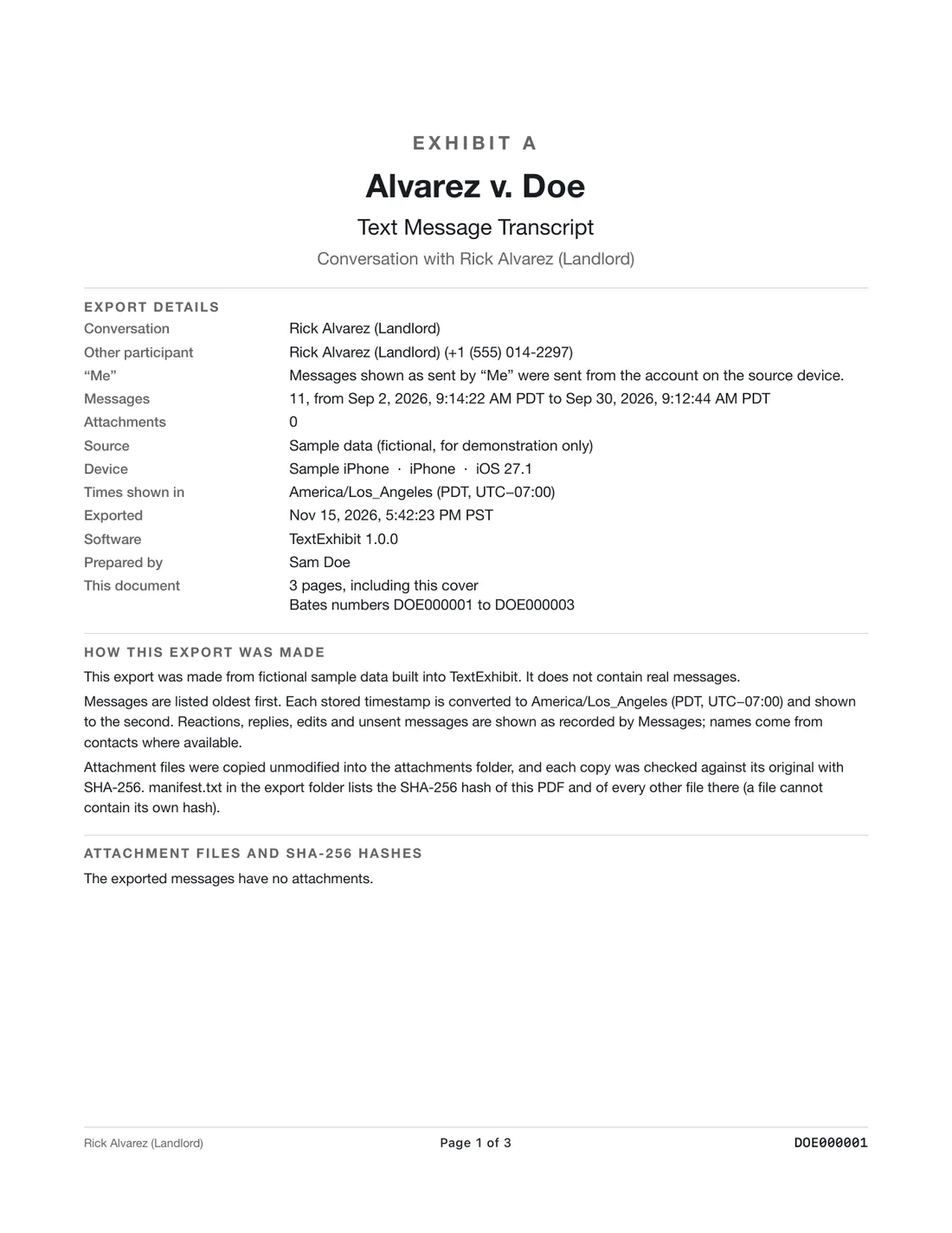
- Open TextExhibit, select the backup, choose the conversation with the other party and export a PDF with the case title, exhibit label and Bates prefix.
- Keep the manifest with its SHA-256 hashes beside the PDF.
Keep a note of what you did
Write down who ran the export, the date, the device, and any problems. This is the start of a chain-of-custody note. See chain of custody notes for text messages.
What to keep in mind
- This is general information for professionals, not legal advice. Rules and local practice differ, so check the governing rules and the court's or your supervising attorney's requirements.
- A backup holds what is on the phone at that moment. Messages the client deleted earlier are usually not in it.
- Remote sessions depend on the client following instructions. Ask them not to delete or edit anything first.
- Large backups need a secure way to send them. Do not email them unencrypted.
Questions
Can the client export without me?
Yes, but a lawyer-supervised export keeps the process consistent.
Is a screenshot enough?
For intake it may help. For production, ask the supervising attorney what format is needed.
What about a client with an Android phone?
This app reads iPhone and Mac messages only. See clients with Android phones.
Sources
- Federal Rules of Civil Procedure, Rule 34 (Cornell LII) (checked November 15, 2026)
Export the whole conversation
TextExhibit turns a conversation into one PDF with exact times, names and numbers, photos in place and page numbers, on your Mac. Free to preview; $24.99 once to export.