How to export a co-parent text thread every month
On the first of each month, make a fresh backup or let Messages in iCloud sync to your Mac, then export last month’s thread with your co-parent as a PDF, name it by month, and store it with a second copy elsewhere. Doing it monthly means a lost phone, a new number or a deleted message never wipes out your record.
What you need
- A Mac running macOS 14 Sonoma or later.
- Either Messages in iCloud turned on, so the thread is on the Mac, or the iPhone and a cable, or a Finder backup.
- A folder for the exports, such as “Co-parent texts” with a subfolder per year.
The monthly steps
- Open TextExhibit and choose the source: the Messages app on your Mac, the iPhone over a cable (tap Trust, enter your passcode), or a recent Finder backup.
- Select the conversation with your co-parent.
- Choose a date range: the first through the last day of the previous month.
- Check the preview to make sure the right messages and photos are in.
- Export. Name the folder “2026-10 Co-parent” so the months sort in order.
- Copy the folder to an external drive or a second location.
Why a date range for each month
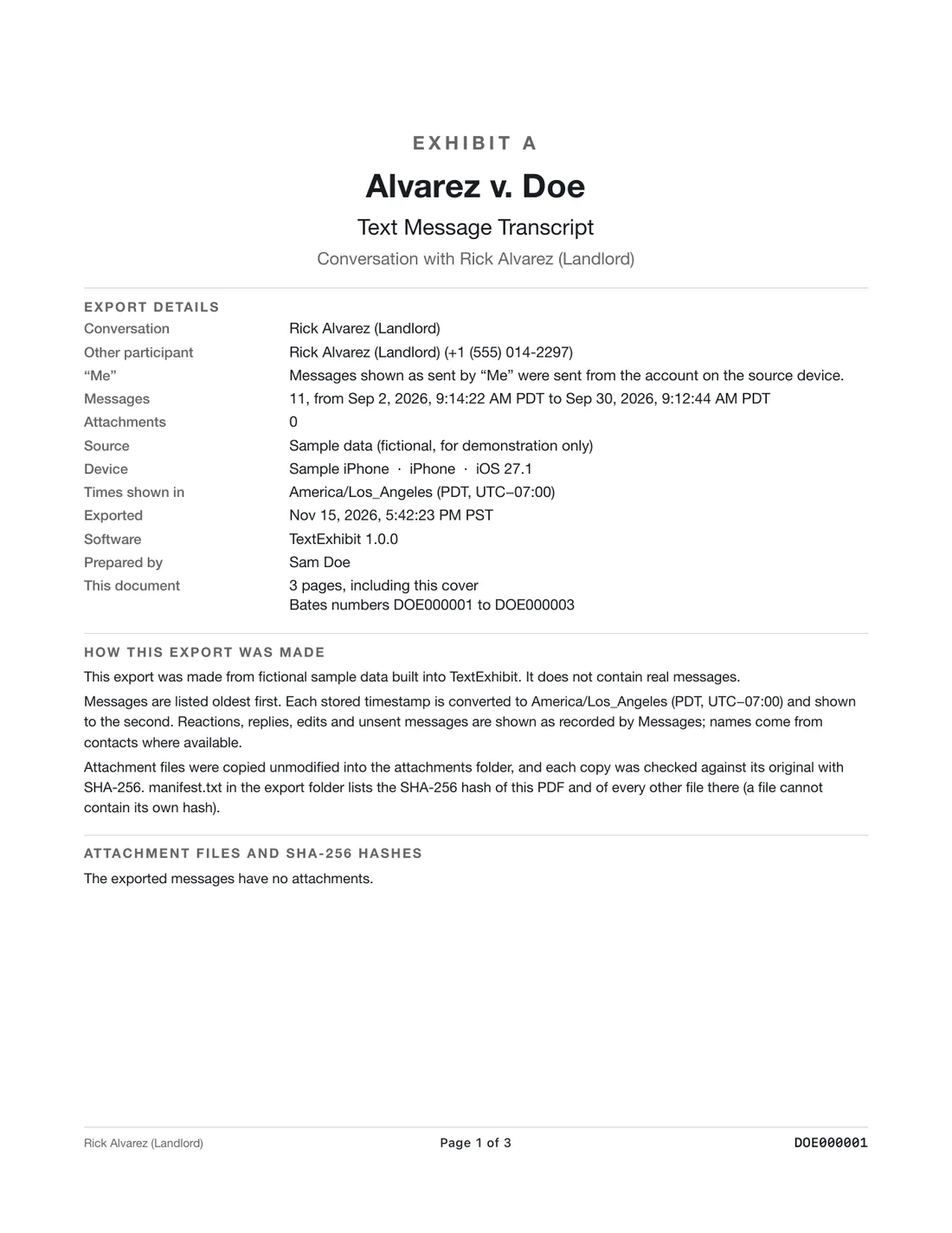
Month files are small, easy to find and easy to hand to a lawyer. You can also export the entire thread from a start date in one go when asked. Each export lists its own hash so you can show later that a file has not changed. See exporting a date range.
Habits that help
- Put a repeating reminder on your calendar.
- Turn off auto-delete: Settings, Messages, Keep Messages, Forever.
- Keep one thread with the co-parent so the record is in one place.
- Do not rename or edit the exports. Put notes in a separate file.
- Check the first export carefully, and then trust the routine.
The free route
If you do not want to use an app, Messages on a Mac can print a conversation to PDF, but it follows what is shown on screen. See exporting iMessages to PDF on a Mac. TextExhibit adds exact times, numbers and a file list.
What to keep in mind
- General information, not legal advice.
- The free version of TextExhibit watermarks exports. The one-time license ($24.99) removes it.
- Exports show what is on the phone or in the backup. Messages deleted before the export are not included.
Questions
Do I need to export the whole thread each time?
No. A month at a time is enough and keeps the files small.
Can I automate it?
Not at the moment. A calendar reminder is the simplest way.
What if the other parent blocks me?
Messages already in the thread stay. Export before anything changes.
Export the whole conversation
TextExhibit turns a conversation into one PDF with exact times, names and numbers, photos in place and page numbers, on your Mac. Free to preview; $24.99 once to export.