How legal aid and self-help center staff can help people with texts
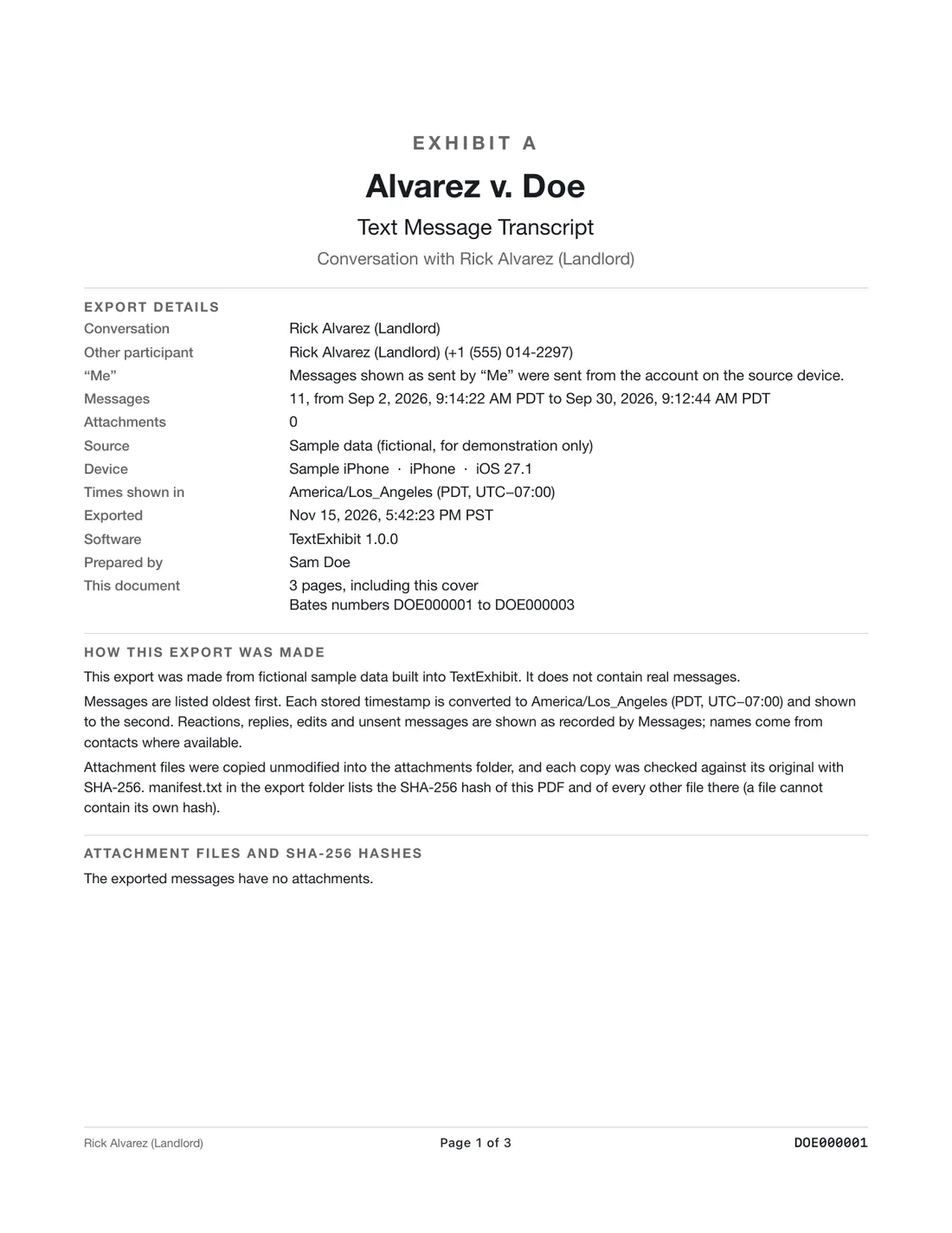
Explain the free options first, screenshots with the time visible, then show a Mac export if one is available, and tell the person to ask the court clerk about format. Staff can help with the technical steps without giving legal advice about what the court will do.
What staff can do
- Show how to swipe for times on an iPhone.
- Help the person make a backup on a Mac.
- Export with a tool and print.
- Point to the court's forms and rules.
What staff should not do
- Promise a result.
- Tell the person which messages to include.
- Take the person's phone without consent.
A handout
A one-page handout can list: do not delete, keep the phone charged, write down numbers and dates, bring the phone and passcode, and ask the clerk about format.
Making it easy
A short script helps: what is the case, which conversation, which dates, do they have the phone and passcode, can they come back. Keep a Mac with the app, a printer and a few cables ready if your office does this often.
Give the person a printed first page and show how to read it: who sent each message, how to find the date. Remind them to ask the clerk about copies, and to keep the phone and the original messages untouched.
Privacy and safety
Some people come in with messages from an abusive partner. Offer a private space, ask before reading messages, and do not keep copies unless the person agrees. If safety is a concern, follow your organization's protocol and refer to an advocate.
Remind people that anything on a shared phone or cloud account may be visible to someone else.
What to keep in mind
- This is general information for professionals, not legal advice. Rules and local practice differ, so check the governing rules, the court's orders and your supervising attorney.
- Local self-help rules apply.
- Free options have limits on completeness.
Questions
Is there a free export?
Reading and exporting with a watermark are free.
Does the person need a Mac?
Yes for this app.
What about libraries?
Some libraries have Macs.
Export the whole conversation
TextExhibit turns a conversation into one PDF with exact times, names and numbers, photos in place and page numbers, on your Mac. Free to preview; $24.99 once to export.