How to save divorce-related texts from a shared iPad or an old phone
Check every device that was ever signed in to your Apple ID or that you used for messages, back each one up, and export the relevant threads, because an old phone or family iPad can hold messages that are gone from your main phone. If the device is shared with your spouse or belongs to them, do not go through it; tell your lawyer instead.
Where messages may be
- An old iPhone in a drawer.
- An iPad signed in to your Apple ID.
- A Mac with Messages set up.
- Old iCloud or Finder backups.
- A work phone, which belongs to your employer.
Check your own devices
- Settings, [your name], list of devices: see what is signed in.
- On a device you own, open Messages and look for the thread.
- Make a backup of each device you own before changing anything. See backing up with Finder.
- Use TextExhibit to read the backup and export the thread.
- Compare exports across devices for differences in dates.
Shared or spouse-owned devices
A family iPad that you both use is a gray area. A device that belongs to your spouse is not yours to search. See using your spouse’s texts. Tell your lawyer what devices exist, and they can ask for what is needed.
A short inventory to give your lawyer
List each device: what it is, whose it is, which Apple ID it uses, where it is, when you last used it, and whether you have a backup. Add a line for any old numbers you used. Your lawyer can use this to decide what to preserve and what to ask the other side for. If you are not sure whether a device might hold messages, keep it switched off in a safe place and say so.
Do not wipe anything
Do not reset or sell old devices during a divorce. If you do not want to keep them, ask your lawyer first.
What to keep in mind
- General information, not legal advice.
- Messages only exist where they were synced or backed up.
- An encrypted backup needs its password. See forgot backup password.
Questions
Does an old phone still have messages?
If it was not erased, often yes. Charge it and check.
Can I use messages from the shared iPad?
Ask your lawyer.
What if the old phone will not turn on?
Look for backups on your Mac or in iCloud.
Export the whole conversation
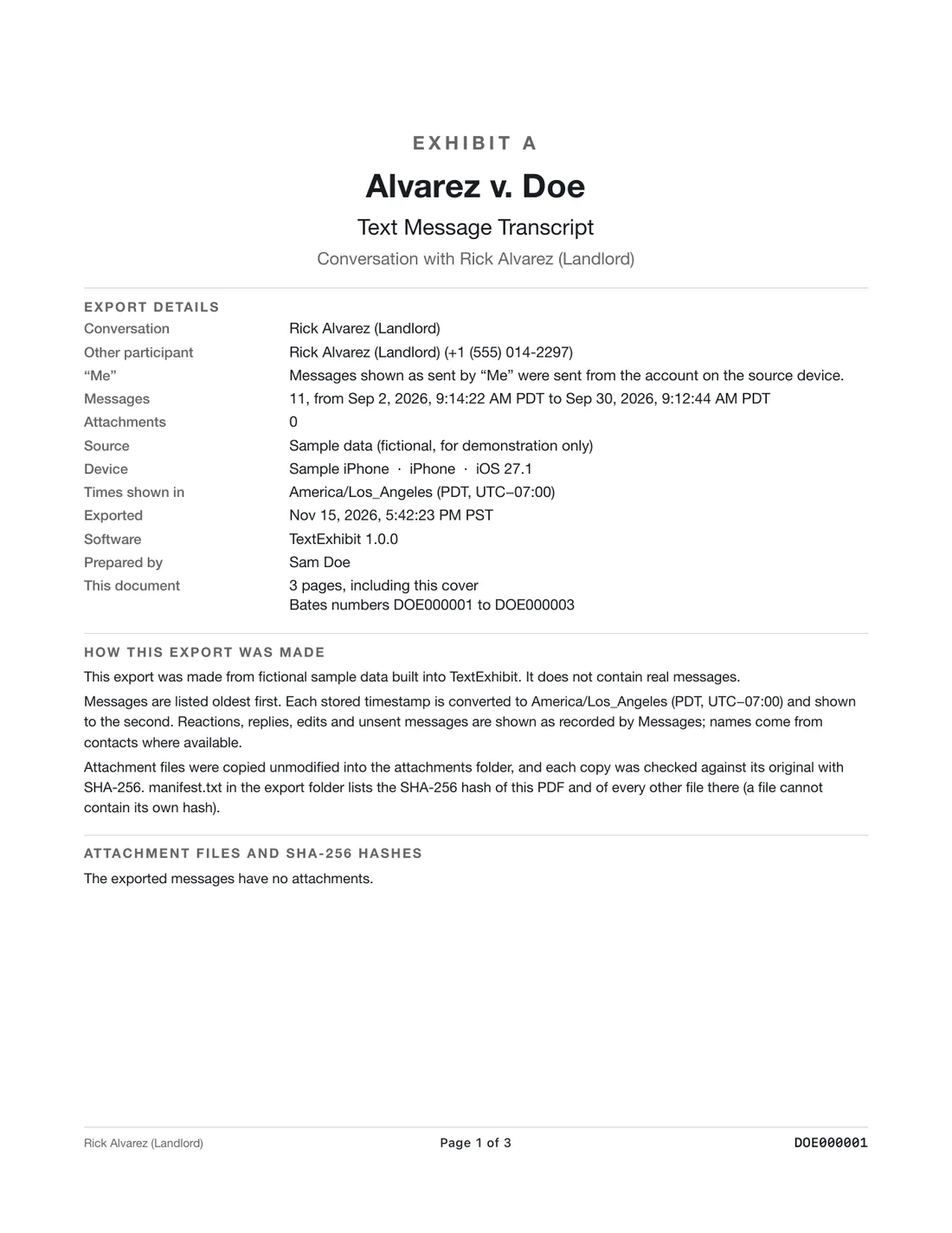
TextExhibit turns a conversation into one PDF with exact times, names and numbers, photos in place and page numbers, on your Mac. Free to preview; $24.99 once to export.