A paralegal's workflow for text message exhibits in a divorce
Confirm the scope with the attorney, collect from the client, export each conversation, check it, number it, log it and hand it over with a short note. A written checklist keeps every matter consistent and shows what you did if someone asks.
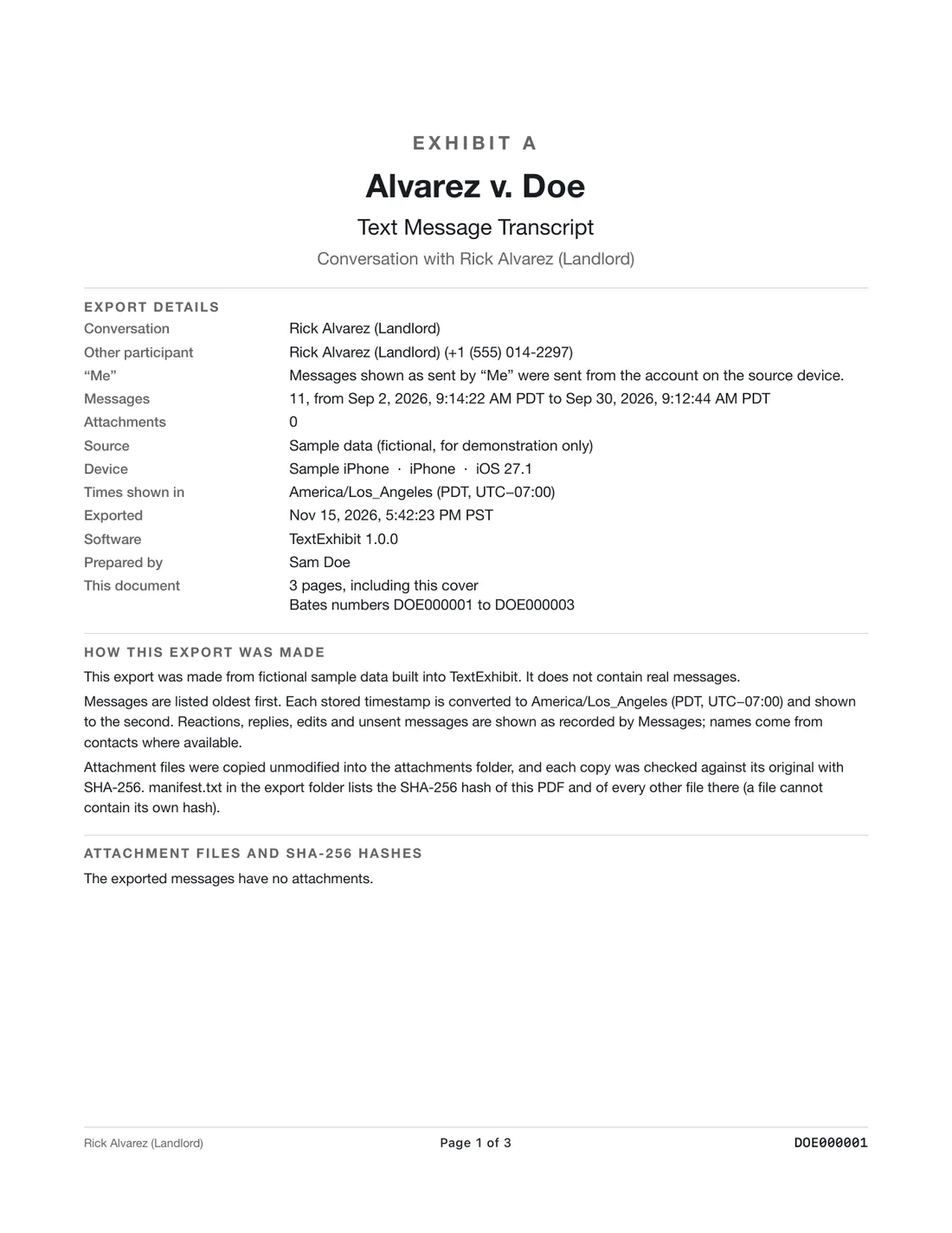
The workflow
- Ask the attorney which conversations, numbers and dates.
- Send the client the intake sheet: client intake instructions.
- Collect: remote or in office.
- Export with the case title, exhibit label and Bates prefix.
- Check the first page, the last page, the message count and the date range.
- Write a chain-of-custody note.
- Update the log and save to the matter file.
- Hand the attorney the files with a short cover note listing questions, such as gaps.
Common problems
- Client cannot find the passcode.
- The thread is on two phones or two numbers.
- The client deleted part of it.
- The other party used an email address, not a number.
What to ask the attorney
- Should we export all conversations or only the one?
- Do we number with Bates or exhibit pages?
- Who will lay foundation?
- Is there a protective order?
What to hand the attorney
A tidy handoff includes the exhibit PDF, the CSV, the manifest, your process note, a one-page summary listing the date range, the message count and the page count, and a list of questions. For example: there is a gap from May 3 to May 9, the client says her phone was broken, and a replacement phone was set up from a backup.
Mark any messages that mention children, finances or safety, so the attorney can review them first.
What to keep in mind
- This is general information for professionals, not legal advice. Rules and local practice differ, so check the governing rules, the court's orders and your supervising attorney.
- Paralegals do not give legal advice. Route questions to the attorney.
- An export shows what is on the phone.
Questions
How long per conversation?
Usually minutes after the backup is made.
Do I need to attach the backup?
Not usually. Keep it per firm policy.
Can I use the same labels each time?
Yes. Consistency helps.
Export the whole conversation
TextExhibit turns a conversation into one PDF with exact times, names and numbers, photos in place and page numbers, on your Mac. Free to preview; $24.99 once to export.